
Wayback Machine – Explore Internet Archive Snapshots (2026)
Introduction: What Is the Wayback Machine?
The Wayback Machine is the world’s most comprehensive digital time capsule—archiving how websites looked and functioned at different moments in history. Created by the Internet Archive, this tool allows users to access archived snapshots of over 900 billion web pages, providing a window into the evolution of the internet.
Whether you're conducting SEO research, fact-checking deleted statements, or recovering lost web content, the Wayback Machine is indispensable in 2026.
Who Created the Wayback Machine?
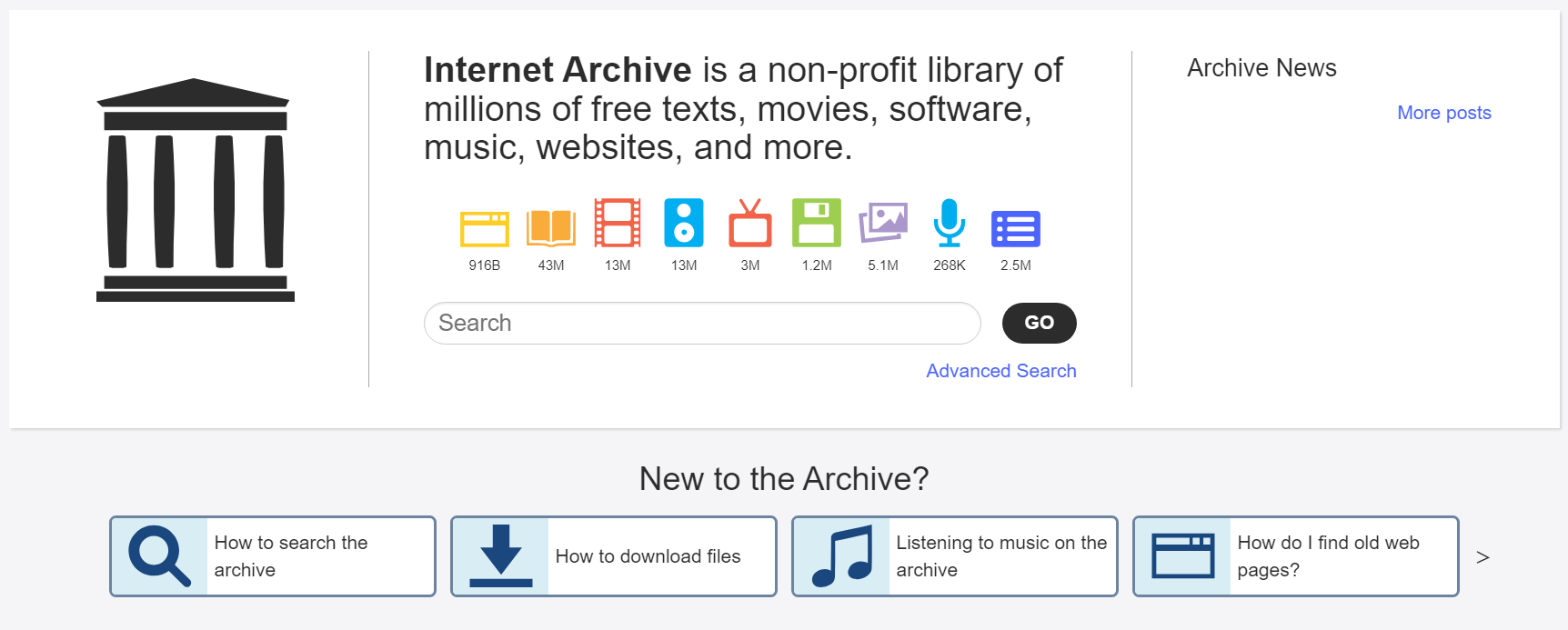
The Wayback Machine was launched in 2001 by the Internet Archive, a nonprofit organization founded by Brewster Kahle. The Internet Archive’s mission is “universal access to all knowledge,” and it supports this vision by preserving:
- Websites
- Books and documents
- Audio and radio programs
- Open-source software
- Educational and cultural materials
How the Wayback Machine Works
Web Crawling Technology
The Wayback Machine uses automated crawlers (similar to search engines) that:
- Visit websites
- Capture HTML, CSS, JS, and media files
- Store them with accurate timestamps
- Save each version as a "snapshot" available to the public
How Often Are Sites Archived?
There's no fixed schedule. Snapshots are taken based on:
- Website popularity
- Number of backlinks
- Crawlability (robots.txt rules)
- Public or manual requests
Main Features of the Wayback Machine
1. View Archived Web Pages
Users can type any URL to view archived versions by date. You can see what a website looked like in 2005, 2010, or even last week.
2. Timeline & Calendar Navigation
Each archived domain features a timeline bar and calendar, making it easy to navigate by year and date.
3. Save Page Now
Want to instantly preserve a page? Use the Save Page Now tool. It archives a live snapshot in real-time.
4. Wayback Machine API
Developers, SEOs, and analysts use the API to:
- Automate snapshot extraction
- Monitor web changes over time
- Integrate with other digital preservation tools
5. Memento Protocol Support
The tool supports the Memento protocol, allowing you to time-travel web requests across multiple archival systems.
Why the Wayback Machine Is Crucial in 2026
| Purpose | Benefit Example |
|---|---|
| SEO Analysis | View past keyword use, metadata, and backlinks |
| Fact-Checking | Find deleted claims or updates on news websites |
| Legal Evidence | Archive digital contracts, licenses, or removed pages |
| Academic Research | Study how online narratives or content evolved |
| Content Recovery | Restore deleted blog posts or website versions |
Is the Wayback Machine Legal?
Yes. It only archives public web content, under fair-use provisions.
- Original copyrights remain with content creators.
- It respects removal requests and robots.txt blocks.
- The Internet Archive processes DMCA takedown notices.
Using it for viewing is legal. However, reusing content may require permission.
How to Use the Wayback Machine – Step-by-Step
- Go to https://waybackmachine.xyz
- Enter the exact URL (e.g., nytimes.com)
- Select a year from the timeline
- Click a blue date on the calendar
- Browse the archived snapshot
Tip: Try different years or versions if a snapshot doesn’t fully load.
Who Uses the Wayback Machine?
| User Group | Use Case |
|---|---|
| Journalists | Investigate deleted or altered content |
| SEOs & Marketers | Analyze competitor website changes |
| Web Developers | Recover lost designs or UI updates |
| Educators & Students | Study digital history and online evolution |
| Legal Professionals | Capture site content as legal evidence |
Limitations of the Wayback Machine
- May not capture password-protected or paywalled content
- Some media or JavaScript elements may be missing
- Websites with archive restrictions (robots.txt) may be excluded
- Snapshot load time may vary based on file size
Frequently Asked Questions (FAQ)
Is the Wayback Machine free?
Yes, it’s fully free to use and supported by donations.
Can I archive any page?
Yes, you can archive any publicly accessible page unless blocked by site rules or legal restrictions.
Do I need an account?
No account is required. You can view and save snapshots anonymously.
Can I delete my content from the archive?
Yes, website owners can request removal through robots.txt or direct takedown requests.
Are archived pages accurate?
They reflect the page at the time of capture, though some media or scripts may not load perfectly.
Can I use it on mobile?
Yes, the Wayback Machine is fully responsive and works on modern mobile browsers.
Is there an extension for browsers?
Yes, the Wayback Machine browser extension is available for Chrome and Firefox.
How far back does it go?
It archives snapshots dating as far back as 1996.
Can I embed an archived snapshot?
You can link to archived pages directly. Full embedding requires API integration or advanced tools.
Does it support international sites?
Yes, it archives websites globally, across all languages and regions.
Final Thoughts: Why You Should Use the Wayback Machine
The Wayback Machine is more than a digital museum—it’s a critical infrastructure for transparency, internet preservation, and digital history.
In a time of content erasure, revisionism, and ephemeral media, it guarantees:
- Access to forgotten knowledge
- Clarity in investigations
- Recovery after website loss
- Protection against digital censorship
It’s not just useful—it’s essential in 2026.